The platform
One platform for the entire asset lifecycle.
Identify every asset. Know where it is. Control who uses it. Maintain it. Audit it. Understand its value.
- Web
- Mobile
- QR
- Barcode
- NFC
- UHF RFID
- REST API
Asetavo platform
Identify
QR · Barcode · NFC · UHF RFID
Locate
Readers · Zones · Last seen
Assign
Custodians · Departments
Operate
Control
What Asetavo is
Asetavo turns physical assets into connected digital records.
Every asset starts as a physical object. Asetavo gives it a lasting digital identity — and connects everything that happens to it, from the day it arrives to the day it’s retired.
Physical world

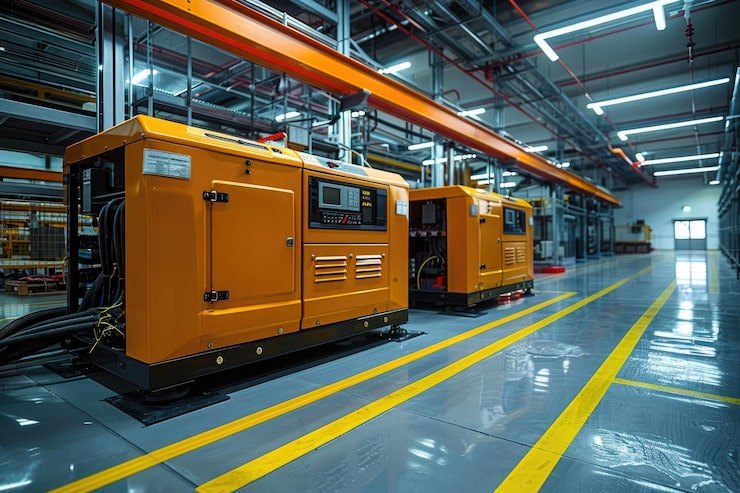
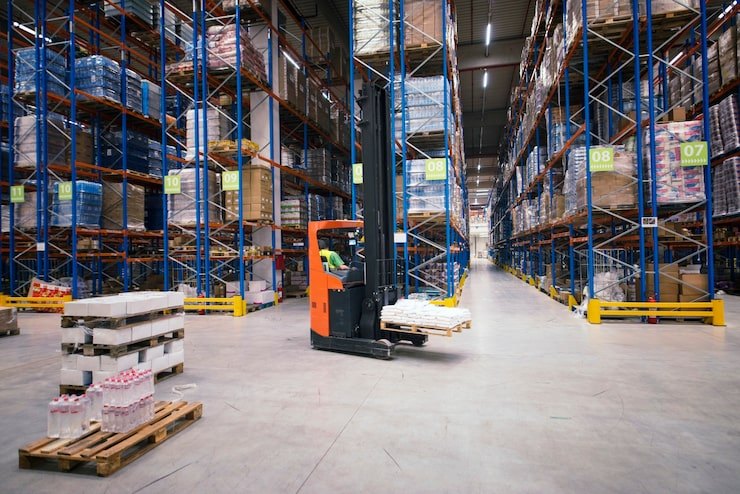

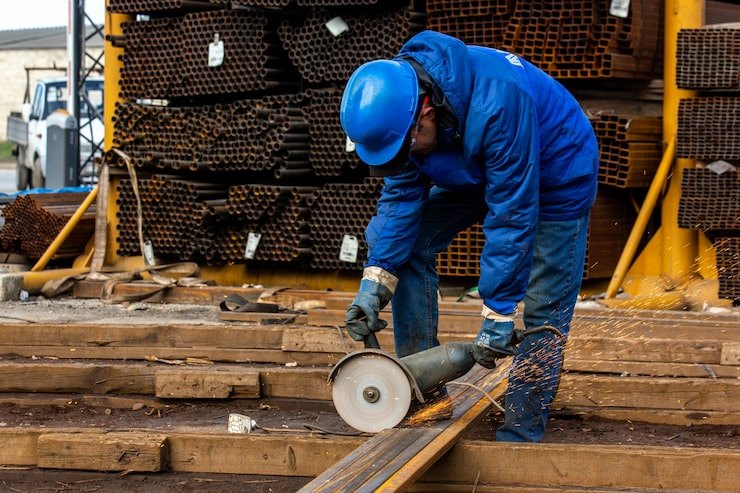

Digital identity
- Asset ID
- QR, barcode, NFC or RFID tag
- Serial number
- Category
- Photo
Operational context
- Location
- Custodian
- Department
- Zone
- Status
Lifecycle
- Check-out & return
- Moves
- Audits
- Maintenance
- Depreciation
- Disposal
Capture every asset and give it a digital identity.
Label it, register it, and everything about it lives in one record — where it is, who has it, what it’s worth, and everything that’s ever happened to it.
- 1Physical asset
- 2QR · barcode · NFC
- 3UHF RFID tag
- 4Asetavo register
- 5Asset 360
Choose the identification that fits the operation.
Different jobs need different tags — so they all live on the same platform, even on the same asset.
Visual scanning with any phone camera. Print your own labels.
Best for Low-infrastructure starts
Works with existing barcode labels and scanners.
Best for Existing barcode workflows
Tap-to-identify tags that survive harsh handling.
Best for Tap-based check-in and check-out
Read many tags at once, from metres away, without line of sight.
Best for High-volume counts and gates
RFID tags are received into stock by EPC range and commissioned onto assets, and a chip/EPC mismatch is flagged as a suspected clone. How tagging works →
Know where assets are — and when they move.
Readers at doors, docks and gates see tagged assets pass. Asetavo checks every event, updates where the asset was last seen, and runs your alert rules.
Tag
EPC on the asset
Reader
Portal, sled or phone
Signed event
HMAC-signed HTTPS
Asetavo
Verified + recorded
Location
Last seen updated
Zone
Group of locations
Rule
Your alert rules
Alert
In-app · email · webhook
Exit without check-out
Forklift FL-021
- Expected
- Warehouse A
- Seen by
- Exit Gate 02
- Time
- 10:42
Alert rules you can set today
- LiveLeft a zone
- LiveEntered a zone
- LiveUnregistered tag seen
- LiveExit without check-out
- Coming soonReader went silent
Zones are groups of your locations, watched by readers: an asset’s location is where it was last scanned or seen — precise indoors, with no batteries on the asset. Outdoors, mobile scans carry a GPS fix (Growth and up) and GPS trackers add live position for vehicles and plant (Business).
Asetavo isn’t just a register. It’s where the daily work happens.
Check-outs
Know who has every asset.
- Available
- Checked out
- Due date set
- Overdue flagged
- Returned
- Condition recorded
Maintenance
Keep assets working.
- Asset
- PM schedule
- Work order
- Technician
- Parts & labour
- History
Who has what, when it’s due back, and what condition it went out in. Sample data.
by Liam Chen
by Liam Chen
by Rachel Kim
by Rachel Kim
by Rachel Kim
- ✓Open
- ✓Assigned
- 3In progress
- 4On hold
- 5Completed
Swipe to see more screens →
Turn operational data into financial and management control.
Finance
- Acquisition cost
- Depreciation — 8 methods
- Book and tax profiles
- Net book value
- Disposals
Reporting
- Asset register
- By location, custodian, category
- Depreciation
- Stock-take variance
- Excel & CSV export
Security
- Roles & 9 permissions
- Audit trail
- Isolated databases
- Revocable device sessions
- Signed reader events
Depreciation runs are calculated as a draft, reviewed, then posted, and only posted book runs change net book value. Asetavo calculates schedules with the method you choose; accounting and tax treatment is your decision.
The connected asset
The power is in the connections.
One forklift, followed through a few weeks. Every step happens in a different part of Asetavo — and all of it lands in the same record.
- 01
A forklift is added to the register.
Register - 02
It receives a UHF RFID tag, commissioned from tag stock.
Tagging - 03
It is assigned to Warehouse A and a custodian.
Custody - 04
A portal reader at the dock sees it, and its last-seen location updates.
Readers - 05
It passes the exit gate without a check-out.
Zones - 06
An alert lands in the inbox and by email.
Alerts - 07
A supervisor acknowledges and resolves it.
Alerts - 08
Its 250-hour service shows up on the due list.
Maintenance - 09
A planner generates a work order from it.
Work orders - 10
Parts, labour and downtime are recorded.
Work orders - 11
Its monthly depreciation run is posted.
Finance - 12
All of it appears in its history and in reports.
Reports
Ways to work
One platform. Three ways to work.
Web
For management and administration
- Full asset register
- Finance & depreciation
- Reports & Excel/CSV export
- Users & roles
- Configuration
Mobile
For people in the field
- Scan & find
- Count & stock-take
- Move
- Check out & return
- Fix & report
Online or off · works in any mobile browser today · iOS and Android apps coming soon
Learn more →API
For your systems
- Assets & locations
- Movements & history
- Signed reader events
- Alert webhooks
Business and Enterprise plans
Learn more →Mobile, in real screens
The field side of the platform
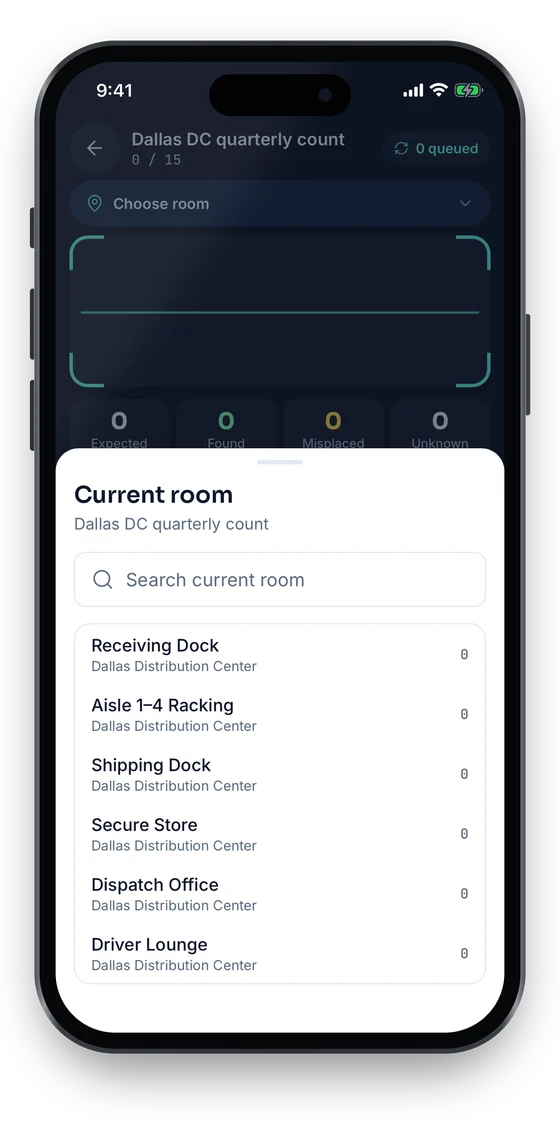
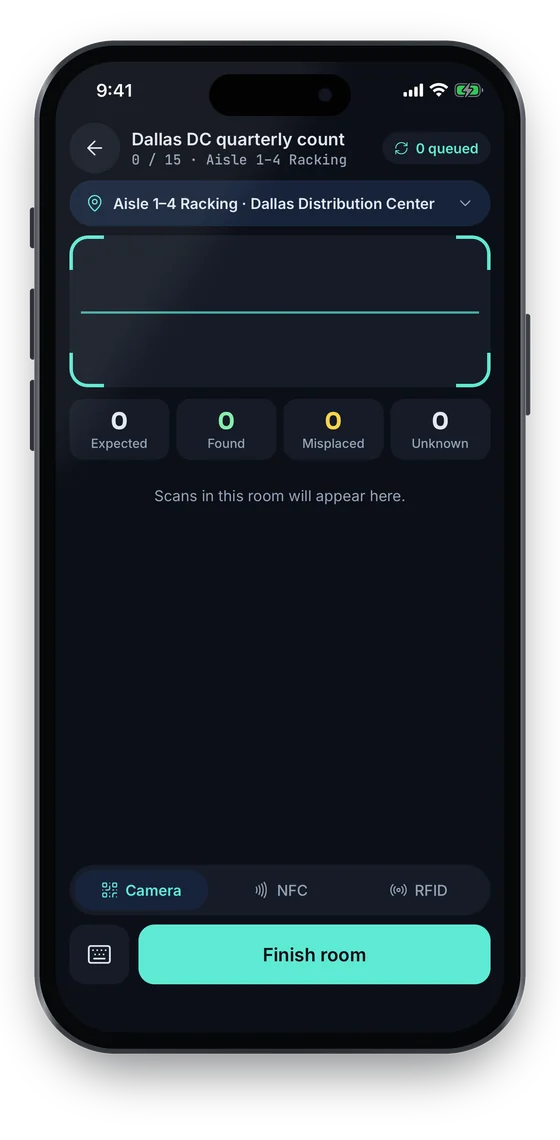
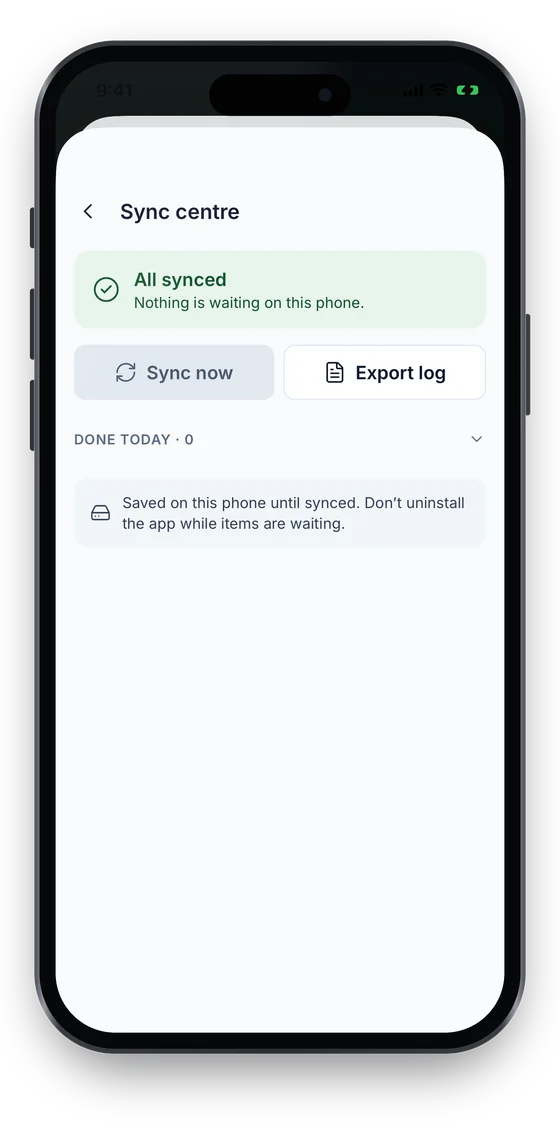
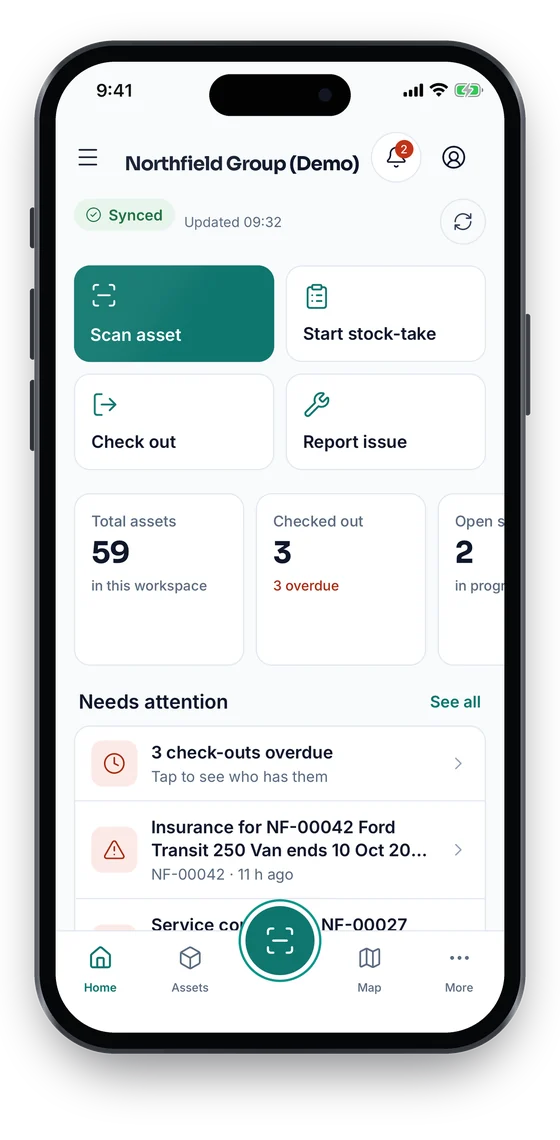
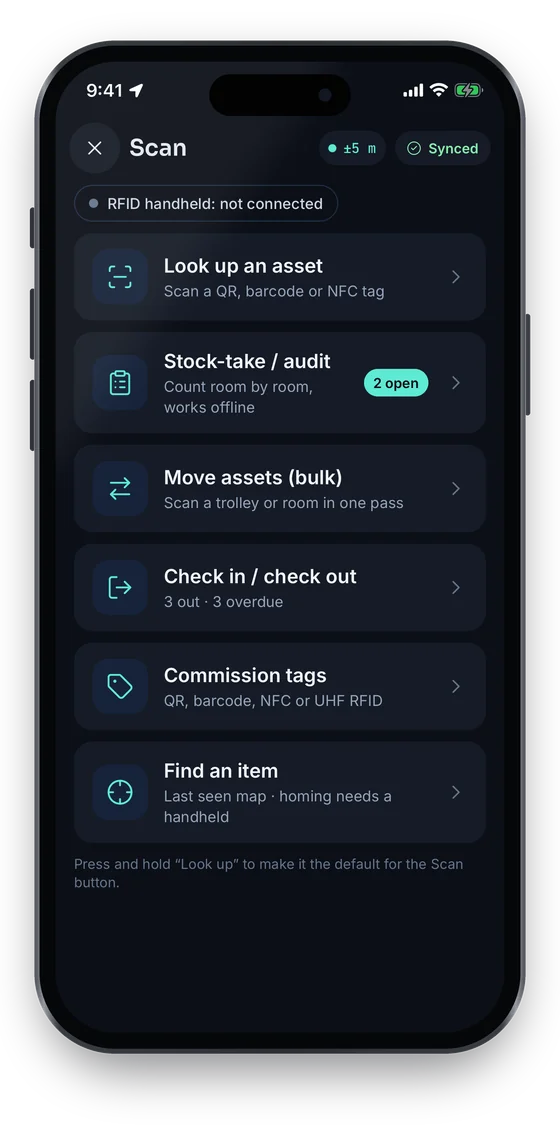
Home opens on the jobs people do most; the raised Scan button looks up, counts, moves, checks out and commissions tags. Every action is saved on the phone without signal and syncs exactly once, and the Sync centre shows what is waiting. A GPS fix is taken only at the moment of an action (Growth and up), never in the background.
Swipe to see more screens →
API & integrations
Build Asetavo into the systems you already run.
Each workspace has its own REST API, secured by the same users and roles as the app. Integrations are built on it — we don’t show logos for connectors that don’t exist.
GET https://app.asetavo.com/api/w/<your-workspace>/assets?q=forklift
Authorization: Bearer <access-token>

{
  "success": true,
  "data": [
    { "tag_no": "FL-021", "name": "Forklift 8FGU25", … }
  ]
}Read assets, cost and depreciation into your ledger through the REST API.
Create assets from received purchase orders by calling the API.
Readers send HMAC-signed events straight into Asetavo.
Alert rules can post signed events to any HTTPS endpoint.
Single sign-on with your identity provider.
Security architecture
Built for the questions your security team will ask.
- Isolated databases
One database per workspaceYour records never share tables with another company’s.
- Secrets kept apart
AES-256-GCM, key outside customer DBsReader signing secrets are encrypted with a key that isn’t stored with your data.
- Signed reader events
HMAC · ±60 s window · nonce replay checkA reader can’t be impersonated, and old events can’t be replayed.
- Short-lived sessions
≤12 h access · rotating refresh · revocable devicesLost a phone? Revoke that device and its access ends.
- Role-based access
9 permissions · deny by defaultFinance fields are hidden from anyone without finance access.
- Audit trail
Every change, with who and whenYou can always see who moved, edited or disposed of an asset.
Hardware
Bring the hardware you already have.
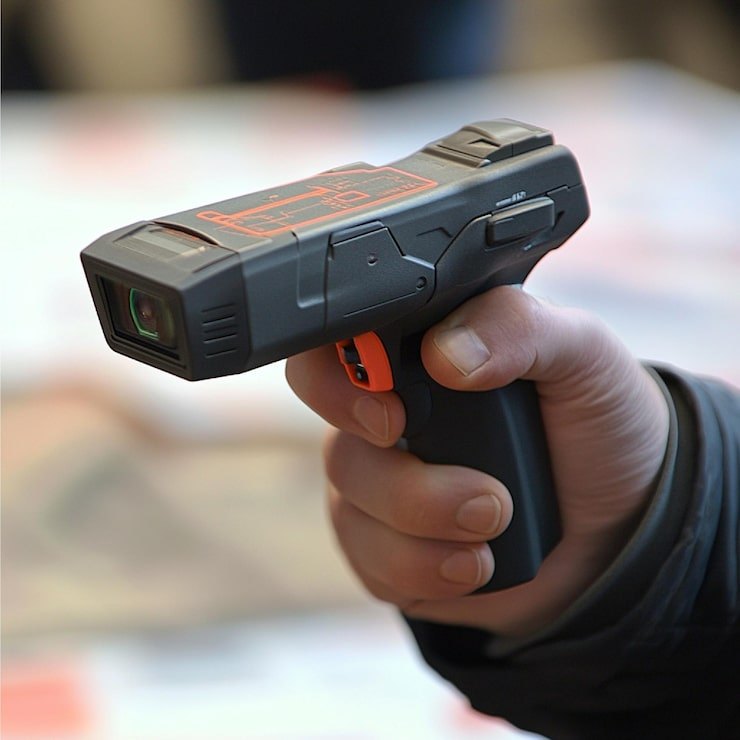
Asetavo is the software layer that connects physical identification hardware to your asset operations. Use your own labels, scanners and readers, or order tags from us (price on quote).
- QR labels
- Barcode labels
- NFC tags
- UHF RFID tags
- Phone cameras
- Handheld RFID sleds
- Fixed readers
- RFID portals
Fixed readers connect by sending signed HTTPS events directly. Bring your own reader. Tags & hardware →
Pay for the layers you use.
Starter is free for 100 assets and 2 users, check-outs included. Growth adds NFC, audits and stock-takes; Business adds RFID, readers, maintenance, depreciation and the API.
Platform questions
Bring your physical assets into one connected system.
Start with an asset register. Add tagging, mobile workflows, maintenance, RFID, finance and integrations as your operation grows.
No card required · Workspace ready in minutes · Simple USD pricing