Fixed asset tracking and management, from tag to book value
Tag every fixed asset, track its location, custodian and condition, verify it with a physical audit, then depreciate it, dispose of it and report on it from one register.

Who it’s for
Finance & accounting
Owns cost, depreciation and net book value, and needs numbers that match what is physically there.
Operations
Knows where things are and keeps locations and custodians current as assets move.
Auditors
Need a register with history, count results and an attributed record of every change.
Everything in one register
Tag every fixed asset
QR or barcode labels on every plan, NFC from Growth and UHF RFID from Business. Mix them in one register.
Track location, custody and condition
Property → building → floor → room, the custodian holding it, its status and condition, and every move in its history. From Growth, scans from the mobile app can add a last GPS position.
Verify with a physical audit
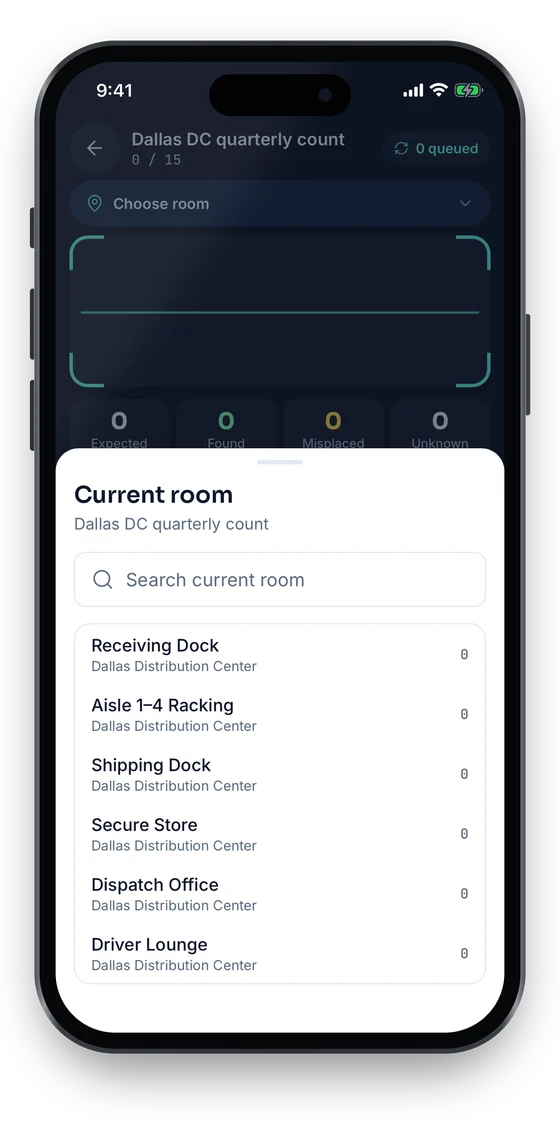
Scoped stock-takes (Growth and up) return found, missing and unregistered assets, and you resolve each variance into the register.
Depreciation: 8 methods incl. MACRS & capital allowances
Book and tax profiles per asset, category defaults for life and method, and monthly runs reviewed as a draft before posting (Business).
Disposal and write-off
Record sale, scrap, donation or write-off; gain or loss is calculated against net book value.
Reports & exports
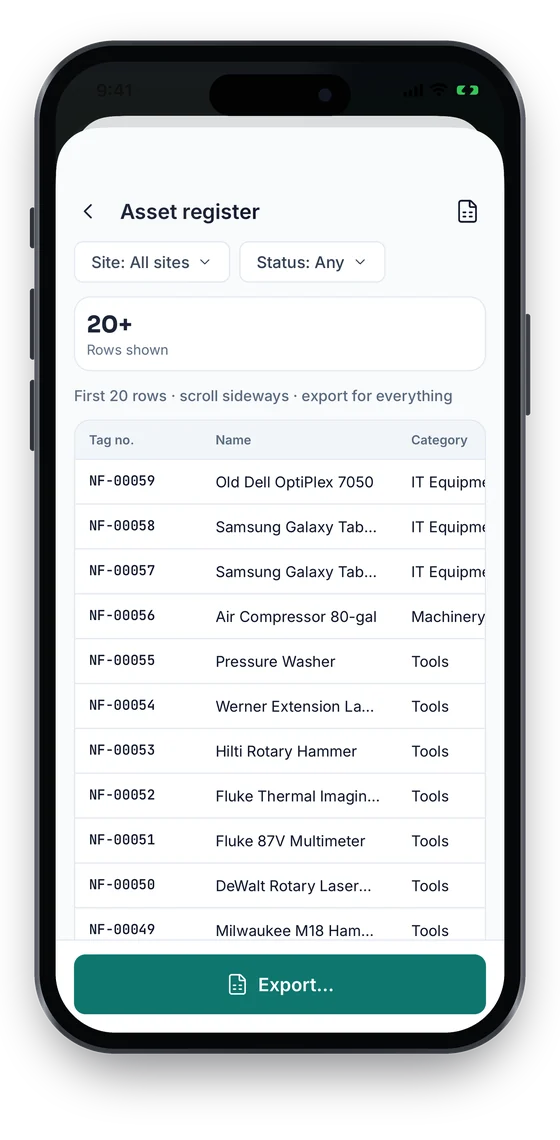
Register, by location, by custodian, depreciation and variance, exportable to Excel (.xlsx) or CSV on every plan.
Depreciation that runs off the verified register
- Depreciation: 8 methods incl. MACRS and UK capital allowances, plus straight-line, reducing balance, DDB, SYD and units of production.
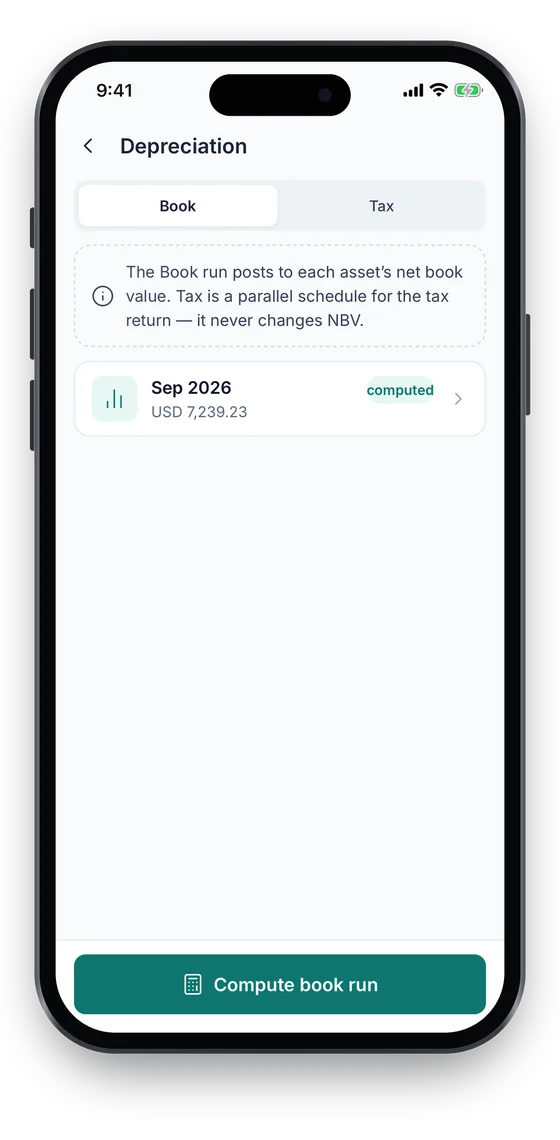
- Separate book and tax profiles per asset. Only posted book runs change net book value.
- Monthly runs are computed as a draft first, so finance reviews before posting.
Register and QR/barcode tags on every plan · audits from Growth · depreciation from Business. Compare plans →
On the phone
Verify on the phone, report from the same register
Count each room on the phone and resolve variances with Found it, Still searching or Write off. Finance staff see book and tax depreciation for an asset, and the register report previews on the phone before it is exported to Excel or CSV.
Swipe to see more screens →
Fixed Asset Management, step by step
Import & tag
Bring your spreadsheet in with the Excel/CSV import wizard, then label each asset.
Verify
Run a stock-take per site or floor and resolve every variance into the register.
Depreciate
Compute the monthly run as a draft, review it, then post the book run.
Report
Pull register and valuation reports, and export to Excel or CSV for your accounting system.
Free tools & pricing
Frequently asked questions
Ready to account for every asset?
Tag, track and audit everything you own — from a handheld scanner to a boardroom report.
No card required · Workspace ready in minutes · Simple USD pricing
