Every key, accounted for
Tag physical keys and fobs, check them out to the person holding them, and keep a full custody history — so you always know who has which key.

Who it’s for
Hospitality
Master keys, store keys and plant-room keys shared across shifts.
Property & facilities
Keys for units, risers and service areas handed to contractors.
Security teams
Need to know who held a key, when, and whether it came back.
Everything in one register
Tag keys & fobs
Small NFC tags or QR key rings, scanned with a phone.
Custody check-out
Issue to a named person with a due time and return scan.
Overdue list
Keys past their due time are flagged for follow-up.
Key audits
Count the key cabinet with a stock-take; missing keys show as variances.
Full history
Every issue, return and move recorded against the key.
Roles & access
Control who can issue keys and who can only view.
Who holds each key — and since when
- Each key or fob is an asset with its own tag, location and custody history.
- Check out by scanning the NFC fob or QR tag; set a due time for the return.
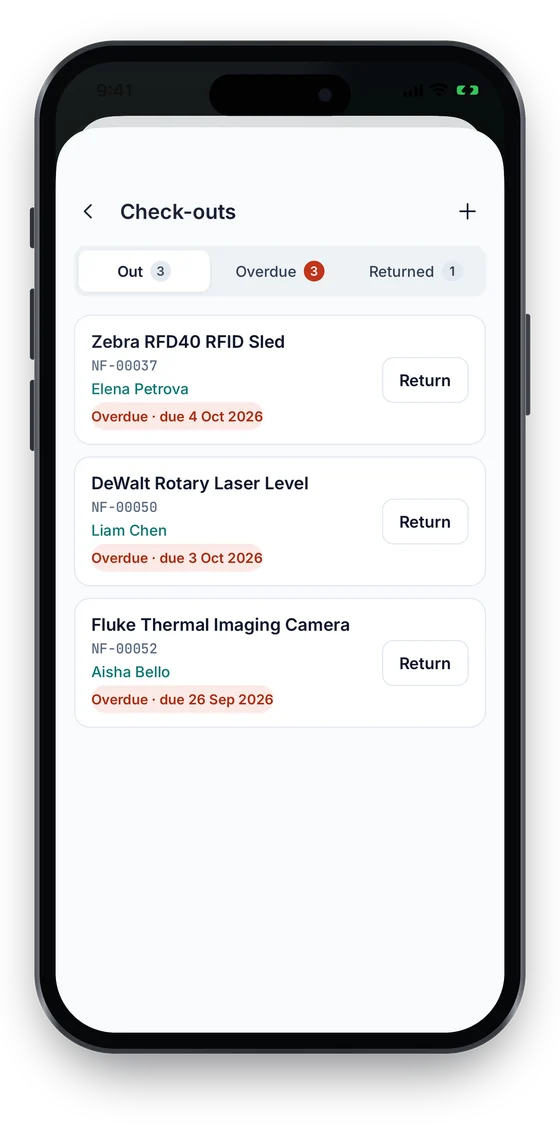
- Overdue keys stand out on the check-outs list for follow-up.
Check-in/out on every plan · NFC tags from Growth. Compare plans →
On the phone
Issue a key with a tap
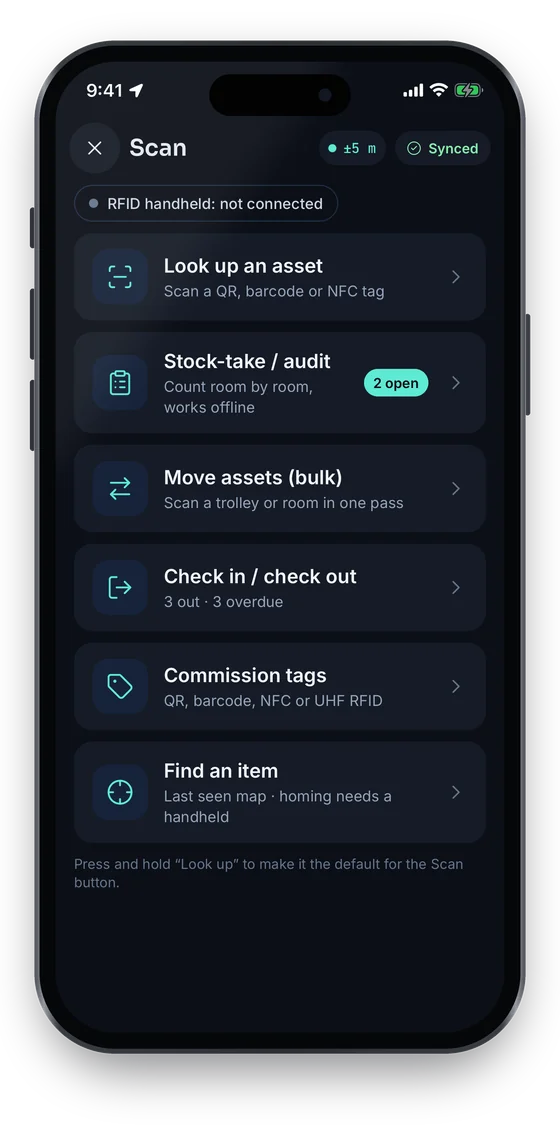
Scan a key’s QR label, or tap its NFC fob on phones with NFC, and issue it to a person with a due date. The check-outs list shows every key that is out and which are overdue, with one-tap Return.
Swipe to see more screens →
Key Management, step by step
Tag keys
Attach an NFC or QR tag and register each key with its cabinet location.
Issue
Scan to check out to the holder with a due time.
Follow up
Review overdue keys and contact the holder by name.
Audit
Count the cabinet regularly; resolve missing keys in the register.
Frequently asked questions
Ready to account for every asset?
Tag, track and audit everything you own — from a handheld scanner to a boardroom report.
No card required · Workspace ready in minutes · Simple USD pricing
