Laptop and device check-out for your staff
Tag every laptop, phone and monitor, check it out to the employee using it, see who holds what, and get it back when they leave, with the whole history on the device’s record.

Who it’s for
IT admins
Issue, recover and reassign devices without a spreadsheet that is always a week out of date.
IT operations
Keep warranty and service contracts against the hardware they cover.
Security & compliance
Know which devices exist, who holds them and when they were last verified.
Everything in one register
Hardware register
Serial, model, manufacturer, cost, location and custodian for every device.
Check-in / check-out
Assign devices to people with a due date and condition out and in.
Leaver recovery
Open a custodian to see every device they hold before their last day.
Warranty contracts
Warranty, service and lease contracts linked to assets, with an expiring list to review.
Audits
Scan a floor or office and get found, missing and unregistered devices.
RBAC & REST API
Nine permissions, deny-by-default, and a REST API for syncing with your other tools.
One register for every laptop, monitor and phone
- Search by tag, serial, model or custodian; filter by category, property and status.
- Asset 360 shows custody, location history, attachments and contracts for each device.
- Custom fields per category for things like RAM, OS or IMEI.
Register, QR/barcode and check-in/out on every plan · audits and custom fields from Growth · REST API from Business. Compare plans →
On the phone
Hand out and take back devices from the phone
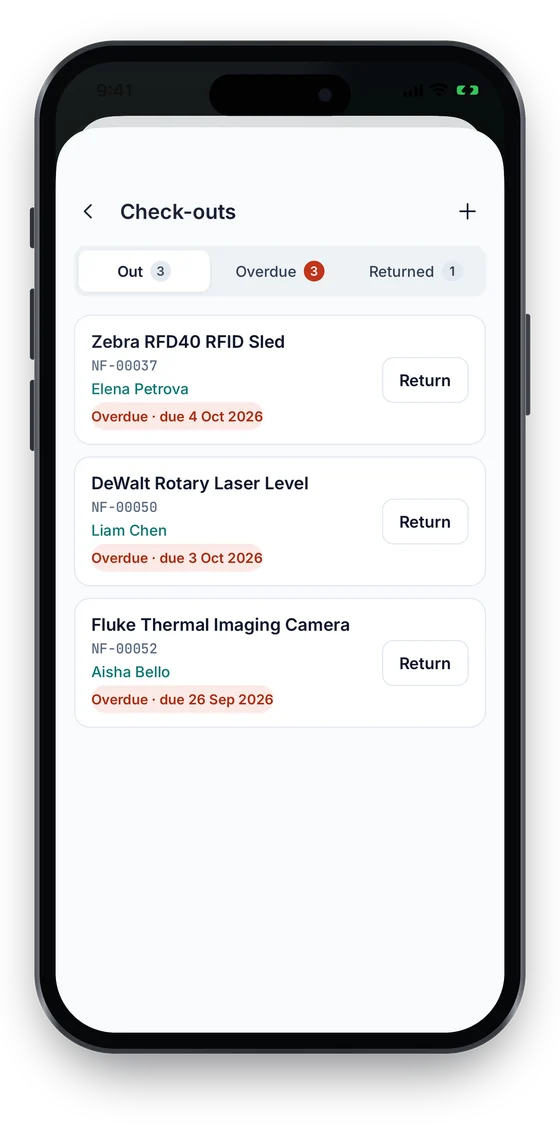
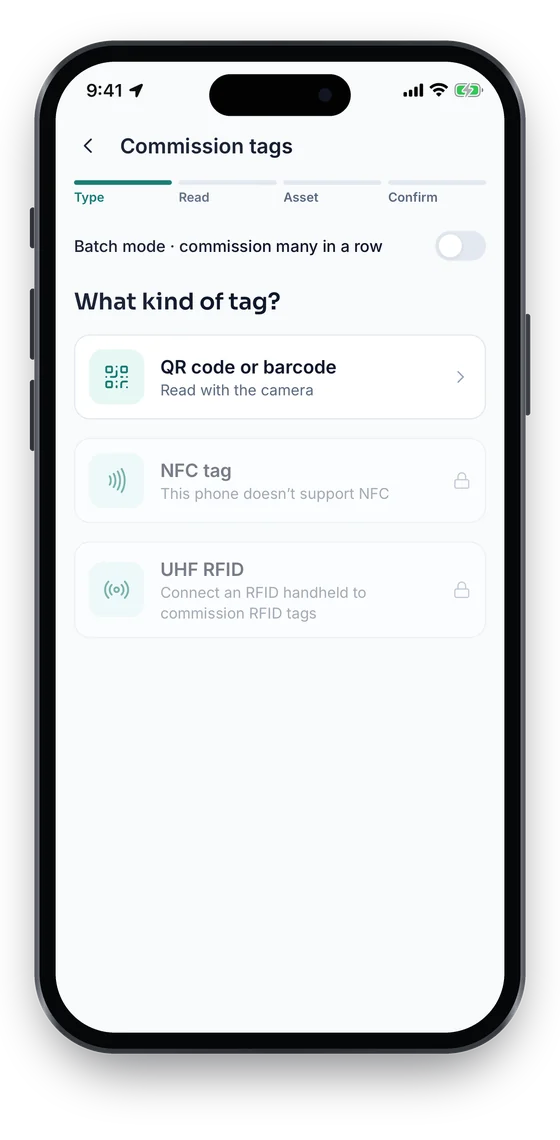
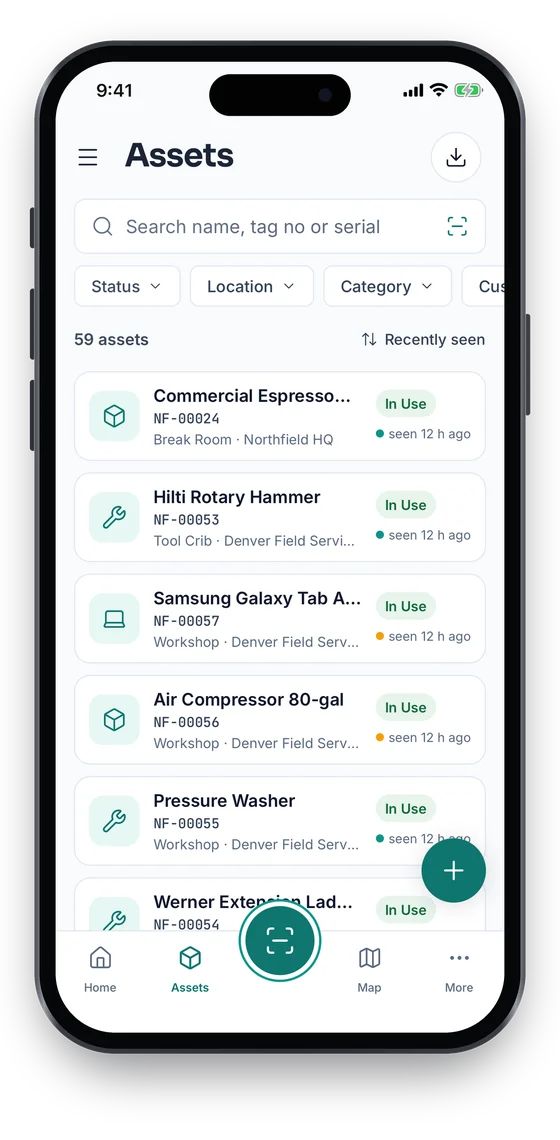
See every laptop that is out and what is overdue, return a leaver’s device with one tap, and bind a QR, barcode or NFC label to new kit as it is unboxed. Search the register by name, tag or serial.
Swipe to see more screens →
Laptop & Device Check-Out, step by step
Register & tag
Import devices from a spreadsheet and apply a QR or barcode label to each.
Assign
Check devices out to employees with a due date for loaners.
Track the lifecycle
Moves, repairs, contracts and status changes build each device’s history.
Audit & retire
Verify by stock-take, then dispose with a reason once the device is returned.
Frequently asked questions
Ready to account for every asset?
Tag, track and audit everything you own — from a handheld scanner to a boardroom report.
No card required · Workspace ready in minutes · Simple USD pricing
