Asset tags & RFID hardware, ready to track.
Durable QR, barcode, UHF-RFID and NFC tags, printed and pre-programmed to work with Asetavo out of the box.
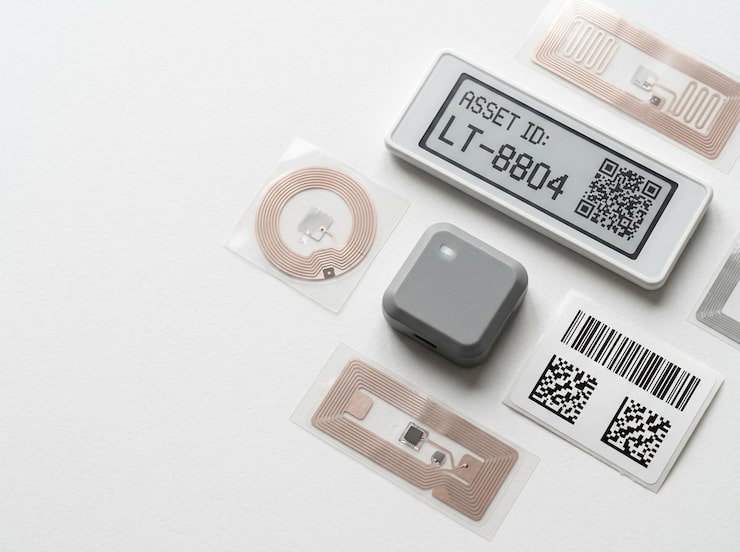
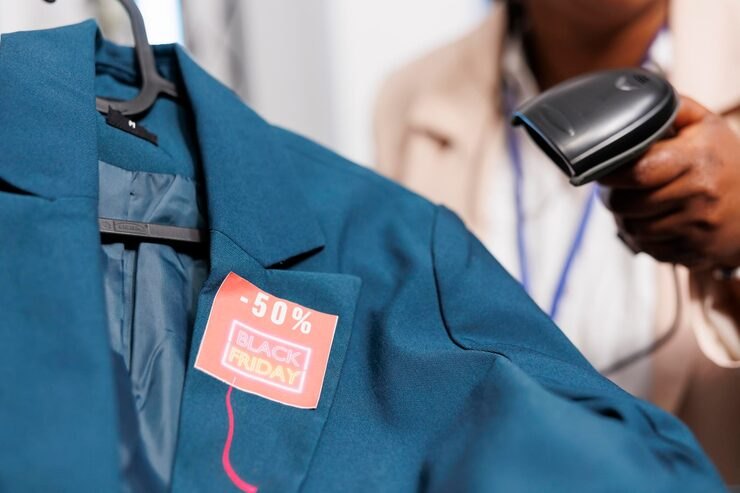
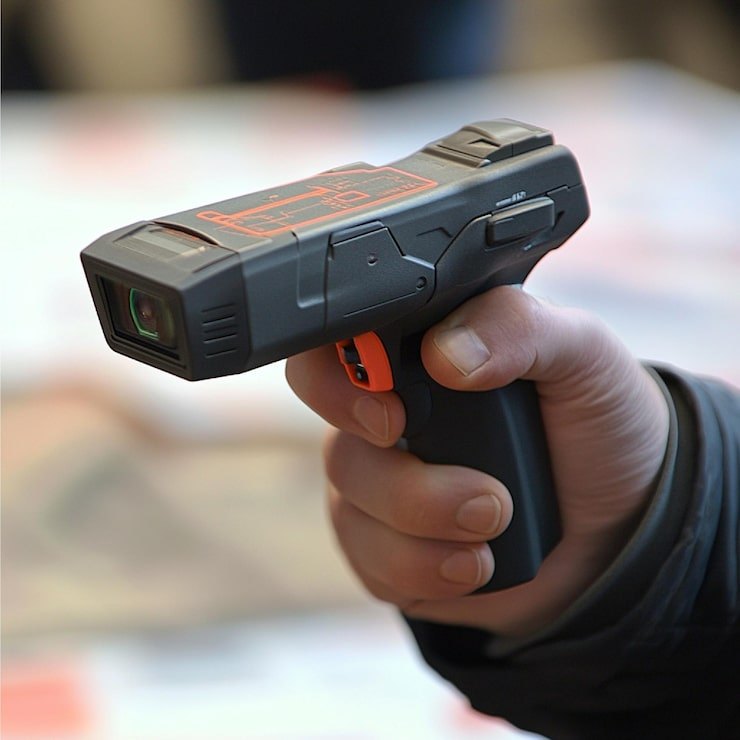
QR / Barcode labels
- Best for: general assets, low cost
- Materials: paper, polyester
- Read: camera / scanner
UHF-RFID
- Best for: bulk reads, on-metal
- Materials: polyester, metal, epoxy hard tags
- Read: UHF reader, range varies
NFC
- Best for: tap-to-identify, tamper-evident
- Materials: disc, label
- Read: phone NFC tap
Tags, readers & accessories
Pricing depends on volume, material, encoding and printing — request a quote and we will reply with prices in USD.
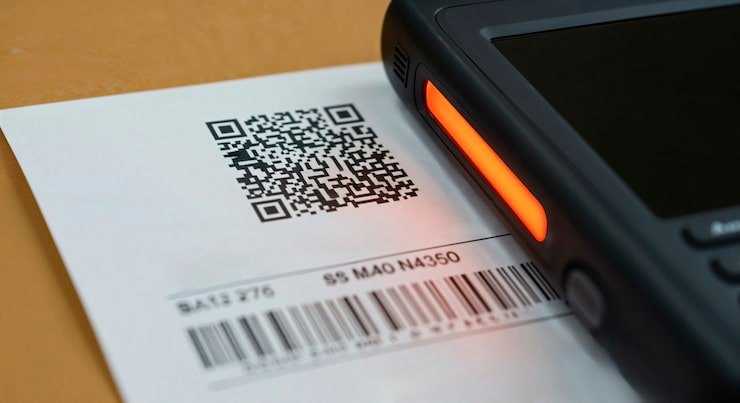
QR polyester label (38×19mm)
Weatherproof polyester QR labels with permanent adhesive.
- Material: Polyester, permanent adhesive
- Print: QR + human-readable ID
- Use: Indoor / light outdoor
Anodised metal barcode plate
Etched metal Code128 plates for harsh environments.
- Material: Anodised aluminium
- Print: Laser-etched Code128
- Use: Outdoor / industrial
UHF-RFID label tag
Passive EPC Gen2 label for fast bulk audits.
- Protocol: EPC Gen2 (ISO 18000-6C)
- Frequency: 860–960 MHz
- Read range: Up to ~6 m (reader-dependent)
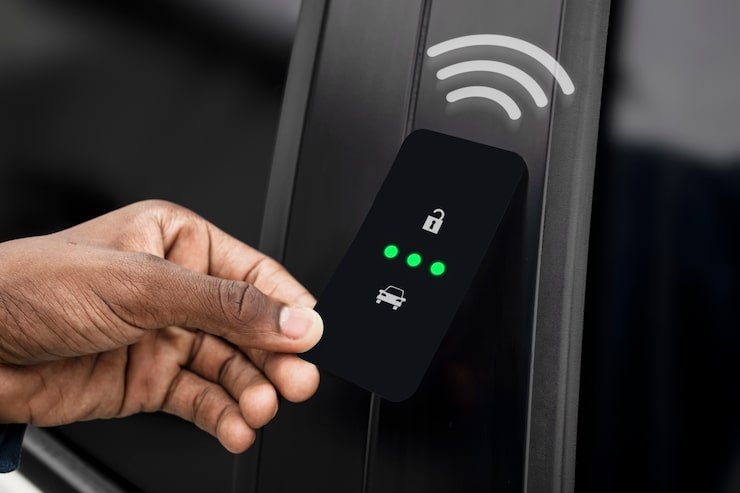
UHF-RFID hard tag (on-metal)
Rugged on-metal tag for tools and equipment.
- Protocol: EPC Gen2
- Mount: On-metal, screw or adhesive
- Rating: IP67
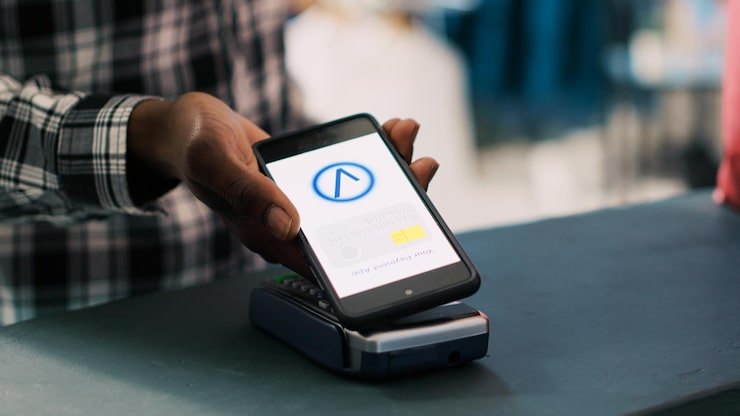
NFC sticker (NTAG213)
Tap-to-lookup NFC stickers for quick field access.
- Chip: NTAG213
- Memory: 144 bytes
- Range: ~1–4 cm
Handheld UHF-RFID reader
Bluetooth UHF sled/handheld for mobile audits with the Asetavo app.
- Protocol: EPC Gen2 UHF
- Connectivity: Bluetooth to mobile app
- Read range: Up to ~8 m
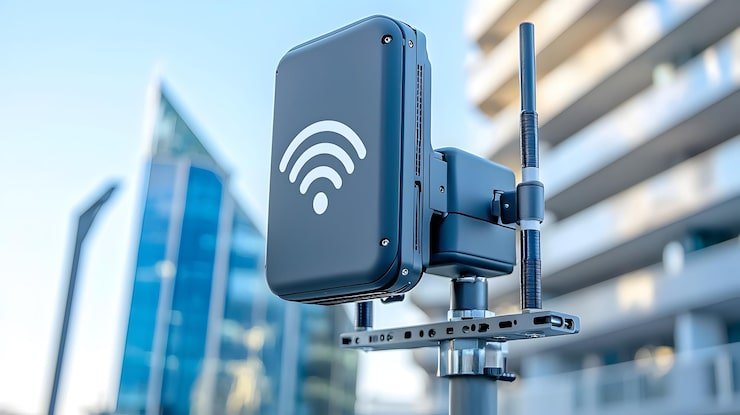
Fixed reader / doorway portal
Fixed reader + antennas for zone-exit detection and alerts.
- Protocol: EPC Gen2 UHF
- Antennas: 2–4 port
- Integration: Signed event ingest → Asetavo
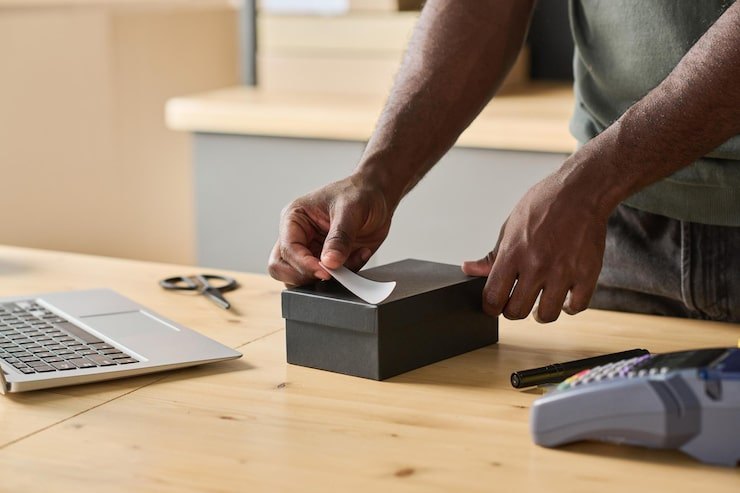
Thermal label printer
Desktop thermal printer for QR/barcode asset labels.
- Type: Direct thermal / thermal transfer
- Media: Asset label rolls
- Connectivity: USB / network
Which tag for which asset?
| Asset type | Recommended tag |
|---|---|
| IT & office equipment | QR polyester or NFC sticker |
| Tools & machinery | UHF-RFID hard tag or metal barcode plate |
| High-volume registers | UHF-RFID label (bulk audits) |
| Rooms, doors, keys | NFC sticker |
| Outdoor / plant | Anodised metal barcode plate |
Asset tags by asset type: which tag, which material, where to put it
The tag that works on a laptop fails on a generator. Use these as a starting point, then test a few tags on your own assets before ordering in bulk.
Asset tags for laptops & computers
Laptops, desktops, monitors and tablets move between people more than any other office asset, so the tag has to survive daily handling and scan in a second at handover and return.
- Tag type
- QR polyester label for most devices; an NFC sticker where staff should tap a phone to check a device in or out; UHF-RFID labels only where a large IT store is counted in bulk.
- Material
- Polyester with permanent adhesive. On aluminium laptop bodies, keep UHF-RFID labels off the metal or use an on-metal hard tag — metal detunes ordinary RFID labels.
- Put the label on the underside of a laptop, next to the manufacturer’s serial label, so it is protected but easy to flip and scan.
- Keep it off vents, hinges, rubber feet and battery covers, and never on the screen bezel where it gets rubbed.
- On monitors and desktops, use the back panel near the stand or ports; on docking stations and tablets, the base or the case.
- Clean the surface with an alcohol wipe first and press the label down for a few seconds — most adhesive failures are dirty surfaces.
- Keep the human-readable asset number visible so the helpdesk can read it over the phone.
Asset tags for tools
Power tools and hand tools get dropped, oiled, rained on and thrown in vans. Tags need to be tough and placed where hands and batteries don’t rub them off.
- Tag type
- UHF-RFID on-metal hard tag where a tool crib or van is counted in one sweep with a handheld reader; anodised metal barcode plate or QR polyester label where tools are scanned one at a time at a counter.
- Material
- On-metal UHF hard tag (IP67, screw or adhesive mount) or laser-etched anodised aluminium plate for metal tools; polyester for plastic-bodied power tools in lighter use.
- Choose a flat part of the housing that is not gripped, clamped or in contact with the work.
- Never tag the removable battery — batteries are swapped between tools, so the tag ends up on the wrong asset.
- Recess the tag or protect it with a lip of the housing where you can; for hand tools, use the flat of the handle or a small plate.
- For tool cases and kits, tag the case as well as the tool if the kit is issued as one item.
- Mount on-metal tags the way the tag is designed to sit on metal, and test the read range with your own reader before rolling out.
Asset tags for outdoor equipment
Generators, compressors, trailers, containers, solar kit and site plant sit in sun, rain and dust, and are often pressure-washed. Printed paper or standard labels fade or peel within months.
- Tag type
- Anodised metal barcode plate for most outdoor equipment; UHF-RFID on-metal hard tag where you want to read it from a distance or at a gate. For vehicles and plant that need a live position, add a hardware GPS tracker (Business plan).
- Material
- Anodised aluminium (laser-etched, so the barcode does not wear off) or IP67 on-metal hard tags. Use rivets or screws where adhesive will not hold on painted, oily or textured surfaces.
- Pick a vertical surface sheltered from direct sun and the spray of a pressure washer, such as inside a frame rail or under a lip.
- Keep it within arm’s reach and at a consistent position per asset type, so whoever is counting knows where to look.
- Avoid hot surfaces near exhausts and engines, and moving parts such as hitches and doors.
- Clean and degrease the surface before applying any adhesive tag, and let it cure before the equipment goes back out.
Asset tags for office equipment & furniture
Desks, chairs, cabinets, printers, projectors and meeting-room screens rarely move, but they still need to be counted at year end and found when a team relocates.
- Tag type
- QR polyester labels for furniture and office equipment; NFC stickers on room doors or meeting rooms if you want staff to tap to see what should be in the room.
- Material
- Polyester with permanent adhesive indoors. Choose tamper-evident labels for items that tend to walk, such as projectors and small screens.
- Use one consistent spot per furniture type — for example, under the front right corner of a desktop, under the seat of a chair, inside the door of a cabinet.
- Place it so it can be scanned without moving the item: a count should not mean tipping chairs over.
- On printers, projectors and screens, put the label near the manufacturer’s serial plate.
- Keep labels discreet in client-facing areas, such as hotel rooms or receptions, but never hidden so well that counters miss them.
Asset tags for cables & small items
Chargers, cables, adapters, keys, radios and small test equipment are too small, too cheap or too numerous to tag like a laptop. The right answer is often to tag the container, not the item.
- Tag type
- A small QR polyester label folded around a cable as a flag, or NFC stickers on key fobs; for many identical low-value items, tag the case, kit or bin and track it as one asset or as stock.
- Material
- Polyester labels, which bend round a cable without cracking; NFC stickers or tags on key rings.
- On cables, wrap the label around the cable near the plug so the two halves stick to each other and form a flag.
- Tag kits (a radio with its charger and headset, a presentation kit) on the case and record the contents in the asset’s notes.
- Do not tag consumables you will never count individually — record them as a quantity on a bin or shelf instead.
- Keys: use an NFC tag or labelled fob on the key ring, and issue keys by check-out so you always know who holds them.
How ordering works
Help with a larger rollout
Data migration, register setup and your first audit — your team applies the tags. Tags & hardware pair with your plan add-ons.
Request a quote
Tell us what you need and we’ll come back with pricing and lead time.
Tags & hardware FAQ
Ready to account for every asset?
Tag, track and audit everything you own — from a handheld scanner to a boardroom report.
No card required · Workspace ready in minutes · Simple USD pricing
