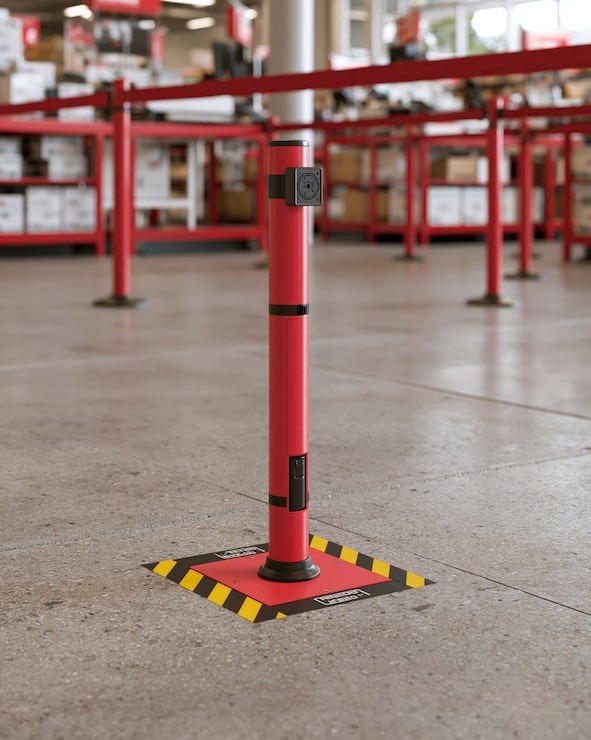
An RFID portal (also called an RFID gate) is a fixed RFID reader with antennas mounted around a doorway, gate or dock door, so that tagged items are read automatically as they pass through. Nobody has to stop and scan.
Portals almost always use passive UHF RFID, because it reads at a distance of meters and can read many tags in quick succession. A loaded trolley can be recorded in the seconds it takes to roll through.
How an RFID portal works
- Antennas create a read zone. Two or more antennas, usually on each side of the opening and sometimes overhead, send out radio energy that fills the doorway.
- Tags wake up and reply. A passive tag passing through is powered by that energy and replies with its EPC, the ID linked to the asset.
- The reader combines the reads. A tag may be read many times by different antennas as it moves; these become one pass.
- Direction is worked out. The system decides whether the item went in or out (see below).
- Events go to the asset software. Each pass becomes an event: tag, portal, direction and time.
How direction is detected
Knowing which way a tag went takes more design than knowing that it passed. Common approaches:
- Two read zones in sequence. Antennas on the inside and outside of the door. If the tag is seen inside first and outside second, it went out.
- Antenna timing or signal strength. Software compares when, and how strongly, each antenna saw the tag as it moved past.
- Extra sensors. Light beams or motion sensors confirm a real crossing, so tags just standing near the door are not mistaken for passes.
What affects read rates
Read reliability at a portal depends on the whole setup, not only the reader. The main factors are tag type and size, where the tag sits on the item, how the tag is oriented to the antennas, what the item is made of (metal and liquids reflect or absorb UHF), how fast it moves, and how many tagged items pass at once. Use on-metal tags on metal assets, and pilot with your own items before committing to a design.
Portal vs handheld vs fixed reader
| Item | RFID portal | Handheld reader | Fixed reader (non-portal) |
|---|---|---|---|
| Where it sits | Around a doorway, gate or dock door | Carried by a person | Ceiling, shelf, cabinet or wall in a room |
| What triggers a read | Items passing through | A person sweeping an area | Items within range of the antennas |
| Main question it answers | What went in or out, and when? | What is here right now? | Is it still in this area? |
| Best for | Movement control, exit alerts, dock receiving and dispatch | Audits, stock-takes, searching | Smart shelves, cabinets, secure stores |
Most sites mix them: handhelds for counting, portals at the few doors where movement matters.
Installation considerations
- Pick the doors that matter: store, lab, yard and dock exits, not every internal door.
- Survey the site: door width, mounting, power, network and nearby metal such as shutters.
- Control the read zone. Tune antenna power and angle so items stored just inside the door are not read all day.
- Handle nearby portals. Dock doors side by side can read each other's traffic. Stagger antennas, reduce power and filter in software.
- Test with real loads: bags, trolleys, pallets.
- Watch reader health. A portal that loses power or network goes silent, which looks like nothing leaving.
Where RFID portals are used
- Warehouse dock doors: record tagged equipment and returnable containers going out on trucks and coming back.
- Hospital corridors and store rooms: know when pumps, monitors and wheelchairs leave a ward or the equipment library.
- Labs and calibration rooms: log instruments leaving controlled areas.
- IT secure stores: laptops and spares leaving the store.
RFID portals in Asetavo
On the Business plan, you register each portal in Asetavo as a fixed reader and pin it to a zone and a location in your site, building, floor and room tree. The reader sends HMAC-signed HTTPS events with the tag, time and direction (in, out or present) as the reader reports it. Asetavo resolves each tag to its asset, stamps the event with the portal's zone and checks your alert rules: left zone, entered zone, unregistered tag, and exit without a check-out. An asset's zone is the zone of the last reader that saw it. Asetavo is not an RTLS or indoor-positioning system and does not compute a position within a room. Bring your own readers; tags and RFID hardware are on the tags page. See readers and portals.
