An asset movement is a recorded change in where an asset is or who is responsible for it: this asset went from A to B, or from person X to person Y, at a particular time, recorded by a particular user, scanner or reader. The sequence of movements is the asset’s movement history, which is the evidence you need when something goes missing and the reason your register can be trusted.
Types of asset movement
| Type | What changes | Example | Usually needs |
|---|---|---|---|
| Internal move | Room, floor or building on the same site | Monitor from Room 2.14 to Room 3.02 | A recorded move |
| Custodian change | The person responsible | Laptop reassigned to a new starter | A hand-over acknowledgement |
| Site transfer | Site, and sometimes department or cost center | Generator sent from Site A to Site B | Approval and a transfer form |
| Temporary loan | Custody for a period | Drill issued to a crew | A check-out with a due date |
| Detected movement | Nothing was declared; a reader or GPS saw it | Laptop read leaving by the main entrance | A check that it was expected |
How asset movements are captured
| Method | How it works | What you get |
|---|---|---|
| Manual entry | Someone edits the register | Only as good as people’s memory |
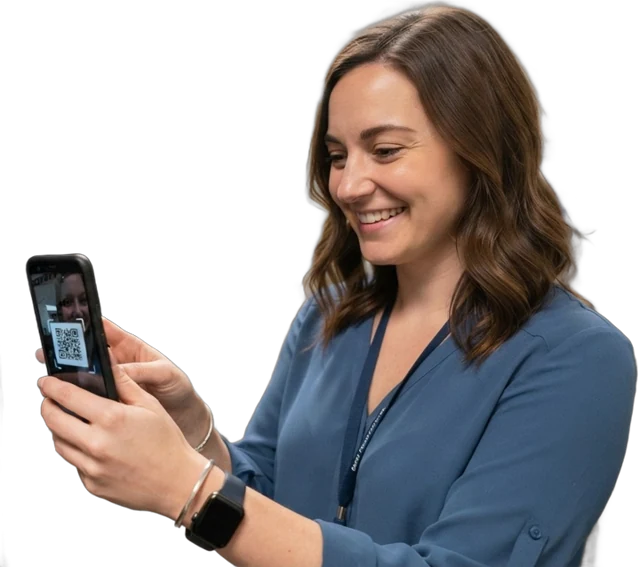
| Scan | Scan the QR, barcode or NFC tag and choose the destination | Recorded at the time, attributed to the person |
| RFID reader zones | A fixed portal reads the tag crossing a doorway | Automatic, with direction; tells you the boundary crossed, not an exact spot |
| GPS fix | A phone records its position at each action, or a tracker reports | Where it was outdoors, at that moment |
Planned vs unplanned movement
Planned movements are declared: relocating a printer, issuing a laptop, sending a tool to another site. Unplanned movements are detected rather than declared, typically by a reader at a doorway. They may be fine, or they may be the first sign of loss. Telling the two apart is what movement alerts are for.
Approval and the asset movement form
Many organizations require approval before an asset changes site, department or cost center, because finance may need to move its cost and depreciation too. An asset movement form, also called an asset transfer form, records the request and the sign-offs.
- Request. The requester lists the asset, the reason, the destination and the date.
- Approve. The asset owner, and finance where the cost center changes, sign off.
- Dispatch. The sending site scans the asset out and notes its condition.
- Receive. The receiving site scans it in and confirms condition.
- Update the register, quoting the form number, so the movement and the paperwork link up.
What a movement record should contain
- Asset ID and description.
- From and to location, and from and to custodian where that changes.
- Date and time, and who recorded it.
- How it was captured: scan, reader, GPS or manual.
- Reason and reference, such as a transfer form number.
- Condition on receipt for site transfers.
Examples by industry
- Hospital: beds and pumps move between wards many times a day; detected movements matter more than declared ones.
- Construction: plant moves between jobsites, so site transfers with GPS fixes are the main record.
- IT team: most movements are custodian changes as people join, move teams and leave.
- Government: inter-department transfers need approval and a form for the auditors.
Common mistakes
- Moving without recording, which creates a ghost asset in the old location.
- Recording dispatch but not receipt, so items sit "in transit" for months.
- Overwriting the location field instead of keeping a history.
- Ignoring the cost center when assets change department.
Spreadsheet vs software
In a spreadsheet, a move usually means overwriting the Location cell, and the old value is gone. A separate movements tab helps, but it depends on someone filling it in. Software records each move as its own entry, attributed to the person or reader, and keeps the full history on the asset.
Asset movement in Asetavo
In Asetavo, a move records the from and to location, an optional new custodian, a reason and a note, for one asset or in bulk, and is added to the asset’s append-only history. Check-outs, returns and status changes such as "in transit" are logged the same way. On the Growth plan and above, app actions can carry a GPS fix, giving each asset a last position and trail on a map. On the Business plan, RFID reader zones record detected movements automatically. Approval itself happens on your transfer form; quote its number in the move. See GPS asset tracking.